Sample Rate
Understanding the sample rate is crucial when dealing with audio data.
What is sample rate?
The sample rate represents the number of samples of audio carried per second, typically measured in kHz (kilohertz). Selecting an inappropriate sample rate for training data unrelated to voice can significantly impact model performance.
-
To determine the sample rate, you can utilize the program Spek (opens in a new tab). Alternatively, if you have Applio installed on your PC, refer to the audio analyzer section.
-
Import your dataset into Spek, and it will provide essential information, including:
- Sample rate
- Audio duration
- Number of samples
- Bits per sample
- Channels (Mono or Stereo)
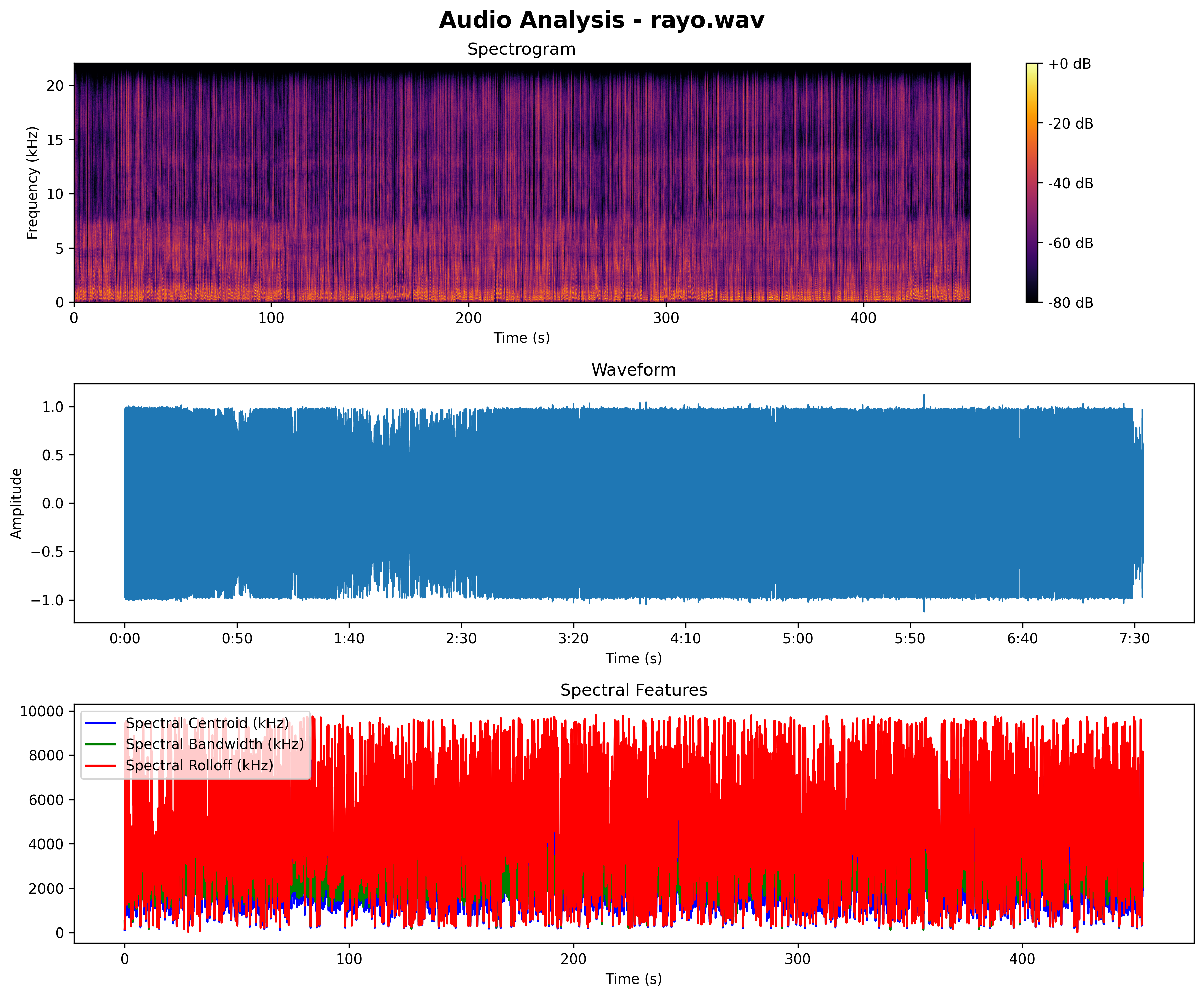
- By examining the Spectrogram image, you can identify the audio frequency, often displayed in kHz. To determine the sample rate, double the frequency displayed.
ℹ️
If you encounter a frequency such as 44100 kHz, opt for the sample rate closest to it.