Extra
Here you will find more things you can do in Applio.
View Model Information
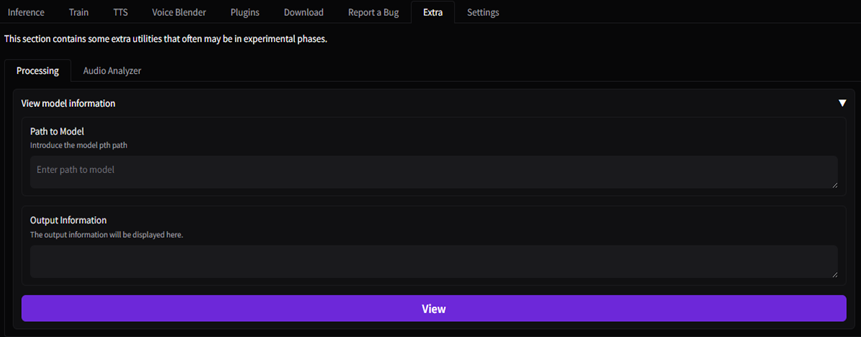
Go to the Extra section in the Processing section and place the model path in Path to model and click on View. This will display the model data in the command prompt (cmd).
Settings
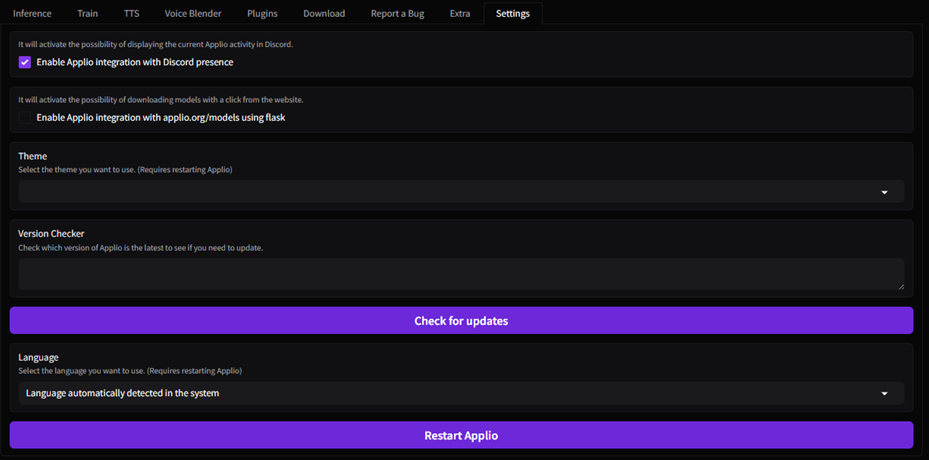
Go to the Settings section where you can modify the following aspects:
- Enable Applio presence on Discord.
- Activate the ability to download models directly from the Applio Web (opens in a new tab) by clicking on

- Set your preferred theme.
- Check the installed version of Applio.
- Change the language of the Applio interface to your preference.